Written by: Mariana Fonseca, Editorial Team, AI Growth Agent
Key Takeaways
- Agent card templates give real estate, insurance, travel, and service professionals fast, consistent ways to create professional brand assets.
- Free options from Canva, Adobe Express, Avery, and Microsoft Word support quick customization and printing, while paid platforms like Vistaprint and Moo add premium stock and advanced features.
- Industry-specific templates for insurance, real estate, and travel agents highlight credentials, headshots, license numbers, and destination imagery in layouts tuned to each field.
- AI agent cards extend beyond print by using structured data, schema markup, and discovery files so AI platforms like ChatGPT and Perplexity can find, parse, and cite an agent’s information.
- AI Growth Agent turns static templates into living, AI-native brand assets, helping your brand earn citations across AI search. Review your current AI visibility in a working demo.
Free Agent Card Template Platforms Compared
Several platforms offer free agent card templates with no design software required. Your choice depends on whether you value design flexibility, same-day printing, or tight integration with existing tools.
- Adobe Express, a browser-based editor, offers thousands of business card templates, including free and premium tiers, with static and animated options. Users in the US, UK, Australia, and Canada can order professional printing directly through the platform, which suits agents who want design and fulfillment in one place without an Illustrator or Photoshop license.
- Canva provides a familiar drag-and-drop editor with a free tier that includes hundreds of agent-oriented card layouts. Agents can export as PNG, PDF Print, or PDF Standard, and the platform works well for teams already using Canva for social posts, even though premium elements require a Pro subscription.
- Avery Design and Print focuses on same-day output with free templates sized to its standard card stock (8371, 5371, and similar). Agents download a PDF, print at home, and punch out the cards, which is ideal when you need cards for an event today.
- Vistaprint includes free template access inside its online editor when you purchase a print run. This path fits agents who already plan a volume order and want commercial-quality printing bundled with templates.
Customization steps for free download templates:
- Select a template sized to standard business card dimensions, 3.5 in × 2 in in the US. This sizing keeps your card compatible with standard card stock, wallets, and card holders.
- Replace placeholder text with your name, title, brokerage or agency name, phone, email, and website. These details form the minimum information a client needs to contact you.
- Upload a professional headshot if the layout includes a photo zone. A clear headshot improves recognition and trust, especially in relationship-driven fields.
- Adjust brand colors using hex codes from your brokerage or agency style guide. Consistent colors help clients recognize your brand across cards, websites, and social profiles.
- Export as PDF Print at 300 DPI in CMYK for professional printing, or PNG for digital sharing. The export choice affects print quality, color accuracy, and how sharp your card appears on screen.
Word-Based Agent Card Templates for Microsoft 365 Users
Many agents prefer working inside Microsoft 365, so Word templates remain a practical option for offline editing and quick updates without a browser.
- Microsoft Create (templates.office.com) offers business card layouts formatted for Avery-compatible sheets. Agents open the file directly in Word, edit text fields, and print on standard office printers.
- Vertex42 supplies free Word-compatible business card templates with table-based layouts that align to common Avery sheets. Files download as .docx for straightforward editing.
- Template.net includes agent-specific Word templates for real estate and insurance, with both free and paid versions that add more design variety.
Steps to customize a Word template:
- Download the .docx file and open it in Microsoft Word 2016 or later so layout and fonts render correctly.
- Click into each text placeholder and replace the sample content with your contact information and any required license numbers.
- Insert your logo through Insert, then Pictures, and resize it to fit the logo zone without distortion.
- Set font colors to match your brand palette using the Font Color picker, keeping contrast high for legibility.
- Print on Avery 5371 or equivalent card stock, then cut or punch out the cards along the guides.
PDF Agent Card Templates for Professional Printing
PDF templates work best for professional print shops because they preserve fonts, colors, and bleed marks across different systems.
- Adobe Express PDF export lets you design in the browser, then export as PDF Print with bleed for any commercial printer.
- Avery PDF templates provide blank PDF grids for every card stock SKU, which you can fill in using Adobe Acrobat or Preview before printing at home.
- Canva PDF Print export includes crop marks and bleed, so the file is ready for print-shop submission without extra setup.
- Vistaprint upload supports agents who design elsewhere and then upload a print-ready PDF directly for fulfillment.
Steps to use a PDF template:
- Download the PDF template from your chosen source and store a backup copy.
- Open the file in Adobe Acrobat, Acrobat Standard, or a browser-based PDF editor that supports editing, since the free Reader version does not.
- Fill in text fields or use the Edit PDF tool to replace placeholder text with your own details.
- Embed your logo as an image layer, then position and scale it so it remains sharp and readable.
- Save as PDF/X-1a or PDF/X-4 for commercial printing, or as a standard PDF for home printing on consumer hardware.
Insurance Agent Business Card Templates That Build Trust
Insurance agent cards work best when they highlight trust signals such as certifications, license numbers, and a clean, conservative layout.
- Adobe Express Insurance templates appear when you search “insurance agent” and include credential line placeholders that keep compliance details visible.
- Canva Insurance Agent cards often feature shield iconography and muted color palettes that match the tone of the insurance sector.
- Vistaprint Professional Services category groups insurance and financial services templates with options for both digital and print cards.
- Zazzle and Moo offer customizable insurance agent card templates with premium paper stock, including soft-touch laminate and rounded corners for a more substantial feel.
Recommended customization steps for insurance agents:
- Include your state insurance license number on the card face or back, following your state’s regulations.
- Add your carrier affiliations or independent broker designation so clients understand your relationship to each insurer.
- Use a QR code linking to your online quote form. Business card QR codes achieve a high scan rate, nearly three times higher than advertising QR codes, and dynamic codes allow you to update the destination URL after printing without reprinting cards.
- Choose a conservative color palette such as navy, charcoal, or forest green instead of bright primaries to signal stability.
- Print on 16pt card stock with a matte laminate so the card feels durable and resists wear in a wallet.
Real Estate Agent Card Templates That Highlight Listings
Real estate agent cards carry heavy visual content, since headshots, property photos, and brokerage logos all compete for limited space.
- Adobe Express Real Estate Business Card templates include dedicated layouts with photo zones sized for headshots and horizontal property image strips that showcase listings.
- Canva Real Estate cards offer designs with sold-property photo backgrounds, circular headshot frames, and clear brokerage logo zones.
- Moo.com uses its Printfinity feature to print a different property photo on the back of each card in a single run, which works well for listing-specific cards.
- Vistaprint Real Estate category includes templates with MLS-style layouts and space for QR codes that link directly to listing pages.
Customization steps for real estate agents:
- Use a high-resolution headshot at a minimum of 300 DPI in the photo zone so your image prints sharp.
- Include your brokerage logo and confirm it meets the brokerage’s co-branding guidelines before you approve a print run.
- Add a dynamic QR code linking to your active listings page so you can update the destination as inventory changes without reprinting cards.
- Print your NAR membership designation, such as REALTOR®, CRS, or ABR, if it applies to you.
- Order a short run of 50 to 100 cards first to verify color accuracy and paper feel before committing to a larger order.
Travel Agent Business Card Templates That Sell the Destination
Travel agent cards perform best when they use aspirational imagery such as destination photography, globe icons, and vibrant color palettes that evoke the trip experience.
- Canva Travel Agent cards include layouts with map backgrounds, passport-stamp motifs, and tropical color schemes that suggest adventure.
- Adobe Express surfaces “travel agent” layouts with destination imagery and space for specialty designations such as Cruise Lines International Association or American Society of Travel Advisors membership.
- Vistaprint Travel category offers travel-themed templates on both standard and premium card stock.
- GotPrint and PrintingForLess support custom uploads for agents who design in Canva or Adobe Express and then want commercial-quality printing.
Customization steps for travel agents:
- Include your host agency affiliation if you operate as an independent contractor so clients understand your backing.
- Add specialty designations such as CLIA, ASTA, or Virtuoso membership to reinforce credibility.
- Use a QR code linking to your booking page or destination portfolio so prospects can explore trips immediately.
- Choose a glossy finish to make destination photography stand out and feel more immersive.
- Print English on one side and a second language on the back if you serve multilingual markets or international clients.
Travel agents, who operate across time zones and borders, can lead the shift toward digital-first networking by pairing every printed card with a digital version shared through QR code or NFC tap.
See how AI Growth Agent positions travel agents in AI search results and across discovery surfaces. Schedule a demo to review your current AI visibility and plan consistent citations.
AI Agent Card Templates for Machine-Readable Visibility
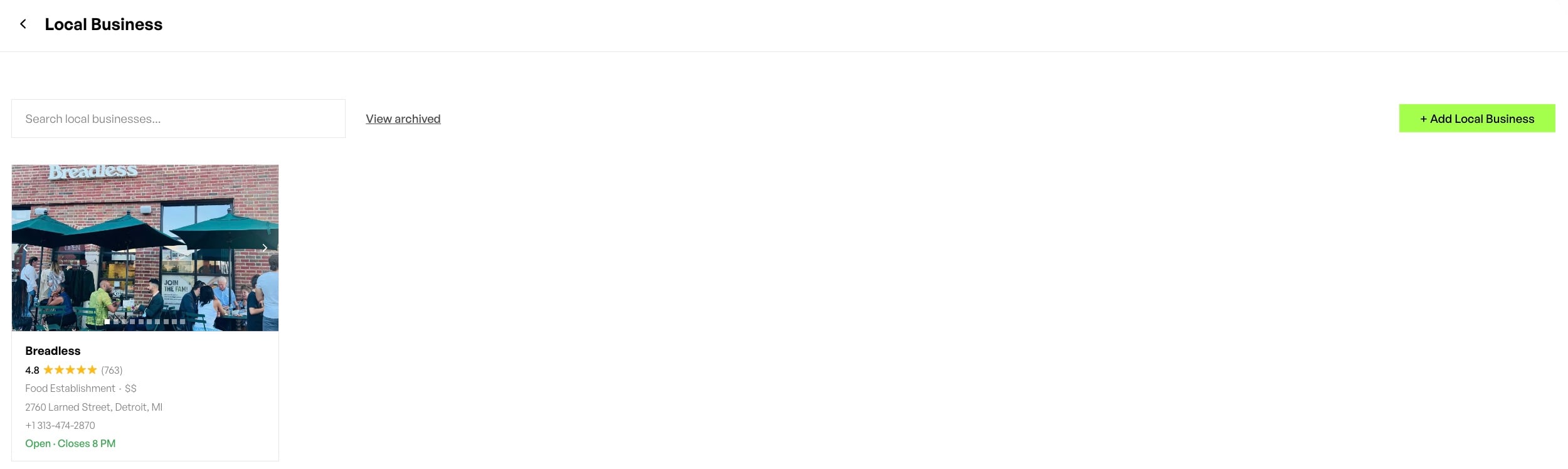
Static print templates support in-person networking, while AI agent cards support the AI-driven discovery moment that now precedes most service decisions. An AI agent card is a structured, machine-readable representation of an agent’s identity, credentials, and capabilities that AI systems can parse and trust.
Three formats matter for AI agent cards:
- Markdown uses a lightweight plain-text format that AI crawlers read natively. An agent’s Markdown card lists name, title, specializations, service area, credentials, and contact information in a flat, structured document at a predictable URL.
- JSON and JSON-LD provide structured data embedded in a page’s HTML or served as a standalone file. Schema.org types such as Person, LocalBusiness, and ProfessionalService give AI crawlers explicit signals about who the agent is, what they do, and where they operate. HubSpot recommends implementing Organization, Product, FAQ, and HowTo schema on key pages to give AI crawlers clear signals about brand content and category relationships.
- Agent discovery files such as llms.txt, llms-full.txt, and /.well-known/ endpoints tell AI systems how to read and interact with a brand’s content. These files act like an AI-native version of robots.txt that guides AI toward the right information instead of blocking access.
AI Growth Agent converts static agent card templates into living, self-healing brand assets. The engine provisions valid schema, Blog MCP, agent discovery via /.well-known/, llms.txt and llms-full.txt, and Markdown served to agent crawlers, all automatically and without technical work from the agent. This setup creates a brand presence that AI surfaces can find, trust, and cite across ChatGPT, Perplexity, and Google AI Mode.
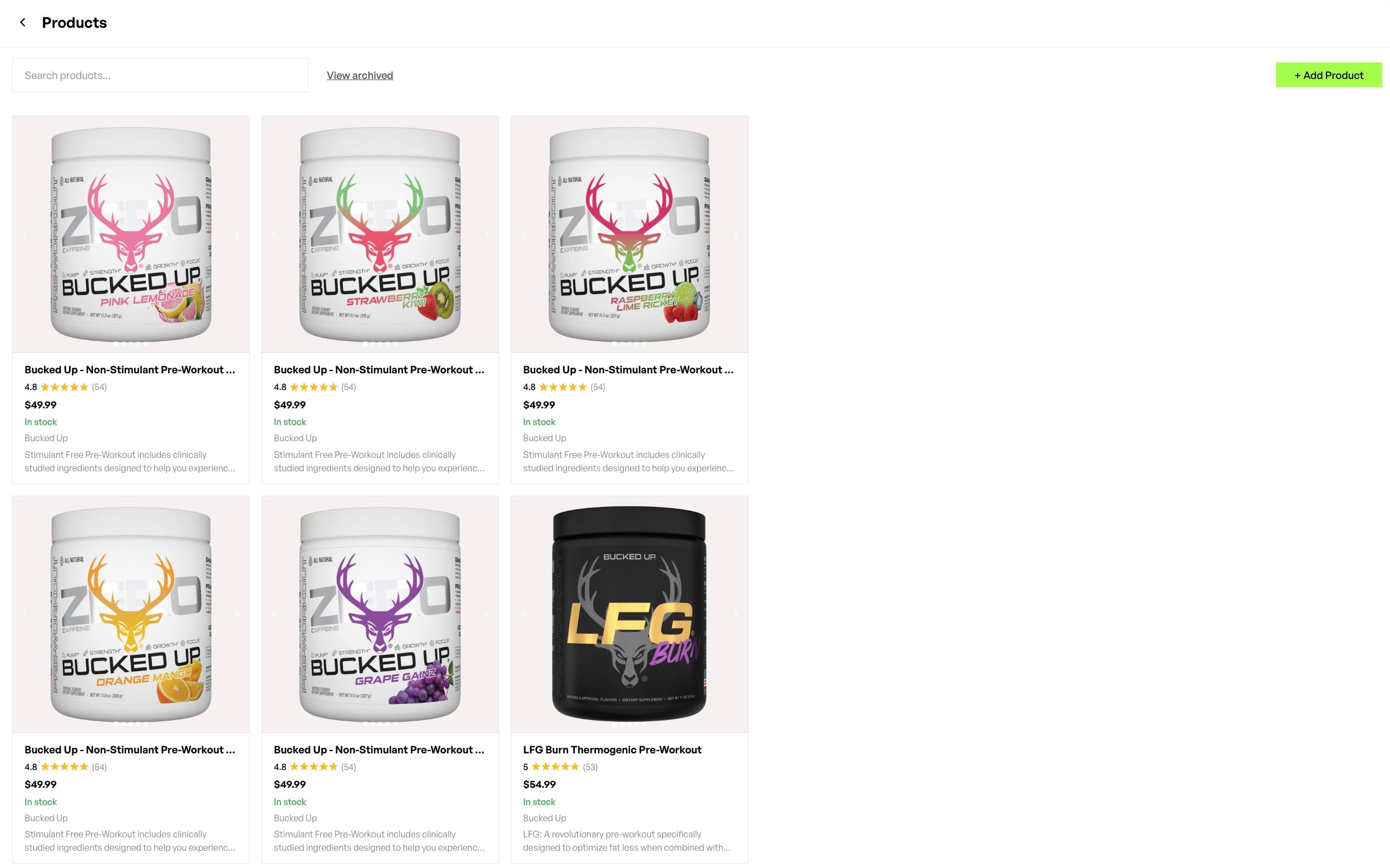
ChatGPT recommends a smaller percentage of local businesses compared to Google’s visibility rate in local results, so agents who control their AI-native presence already hold a growing advantage over those who do not.
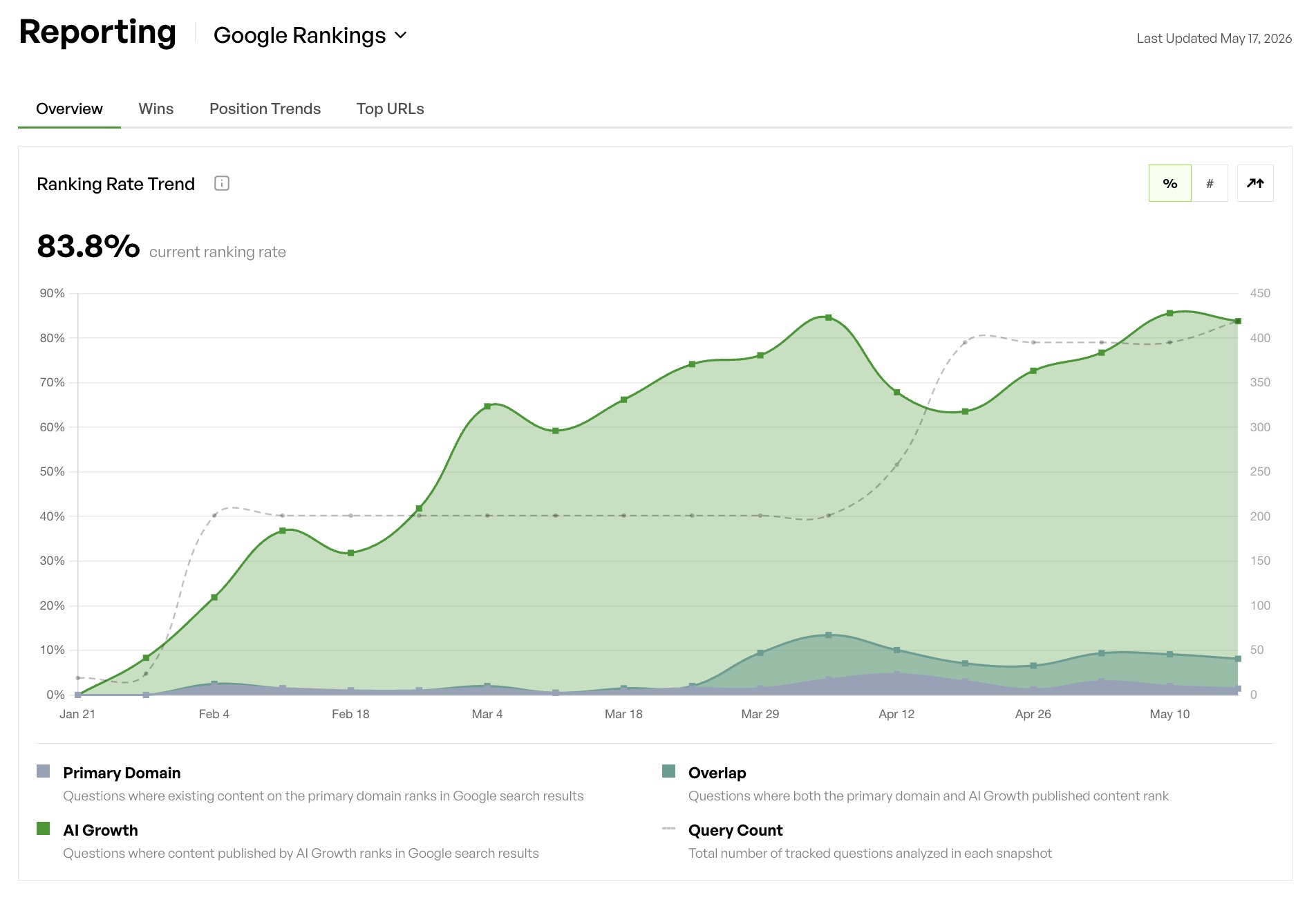
Turn your static agent card into a living brand asset and close that visibility gap. Book a demo to see how AI Growth Agent provisions the technical stack that wins citations across ChatGPT, Perplexity, and Google AI Mode.
Comparing Free, Paid, and AI-Ready Agent Card Paths
The table below compares four primary template paths across cost, file format, and print quality. AI-native capability refers to whether the format can extend into structured data and agent discovery files.
| Option | Cost | Primary Format | Print Quality |
|---|---|---|---|
| Avery / Word (home print) | Free template; cost of card stock | .docx / PDF | Inkjet or laser; variable by printer |
| Canva Free | Free; premium elements require Pro subscription | PNG / PDF Print | Print-shop ready with PDF Print export |
| Adobe Express | Free and premium tiers; printing available in US, UK, AU, CA | PNG / PDF / Animated | Professional printing available direct from platform |
| Vistaprint / Moo (professional print) | Paid per run; templates free with order | PDF upload or online editor | Commercial offset or digital; premium stock options |
Key considerations when choosing between options:
- Home printing works best for same-day needs but often produces inconsistent color and thinner card stock.
- Canva and Adobe Express both export print-ready PDFs, so you can send files to a professional print shop without paying for design software.
- Companies using digital card solutions report a significant cost reduction over traditional printed cards and higher follow-up rates.
- A substantial share of professionals in the US prefer contactless methods for exchanging information, and the US digital business card market shows significant growth reflecting this shift. None of the print or static digital formats above extend natively into AI agent discovery, which requires structured data handled by AI Growth Agent’s headless marketing engine.
- Structured data, schema markup, and agent discovery files sit outside the scope of template platforms, so agents need a separate AI-native layer to control visibility in AI search.
How to Customize and Deploy Your Agent Cards
The following steps apply across Word, PDF, Canva, and Adobe Express formats and help you move from a template to a finished card.
- Choose a template sized to 3.5 in × 2 in, the US standard, with at least 0.125 in bleed on all sides if you plan professional printing.
- Replace all placeholder text with your full name, professional title, company name, phone number, email address, website URL, and any required license or certification numbers.
- Upload a high-resolution headshot at 300 DPI or higher if the layout includes a photo zone so your image prints cleanly.
- Apply your brand color palette using exact hex codes, and request a physical proof from your printer instead of relying on screen color matching.
- Add a dynamic QR code linking to your booking page, listing portfolio, or digital profile. Dynamic QR codes allow content updates after printing and provide analytics on scans, device type, geography, and timing.
- Export in the correct format, using PDF Print at 300 DPI in CMYK for professional printing, and PNG or standard PDF for digital sharing.
- Order a short proof run before you commit to volume printing so you can confirm color, trim, and finish.
Best practices for deployment:
- Keep a master editable file, such as a Canva project, .docx, or layered PDF, so future updates remain simple.
- Store your card design in a shared folder that your assistant or office manager can access when reorders are needed.
- Pair every printed card with a digital version shared via QR code or NFC tap to support contactless exchange.
- Audit your card annually, since license numbers, phone numbers, and brokerage affiliations change and outdated details weaken credibility.
- Extend your card’s information into structured data on your website so AI surfaces can read the same details your printed card communicates in person.
Conclusion: Turn Agent Cards into AI-Ready Brand Assets
Static agent card templates solve the in-person networking problem but not the AI discovery problem. It takes a substantial number of unique mentions or publications for a large language model to form a definitive understanding of a brand, and a printed card contributes none of those mentions. Agents who appear in AI answers maintain structured, validated, machine-readable content that AI surfaces can find and cite.
AI Growth Agent turns static agent identity into living, self-healing brand assets across AI search. The engine provisions schema, agent discovery files, Blog MCP, llms.txt, and authoritative long-tail content automatically, with no technical work required from the agent or their team. Clients see measurable lift in AI visibility within the first twelve weeks, with the typical engagement producing more than 12,000 additional citations, over 100,000 bot visits, and a 20 percent or greater lift in impressions.
Static templates provide a starting point, while narrative control in AI search creates the competitive advantage. Schedule a consultation with AI Growth Agent and see your first AI-native article live within a week.
Frequently Asked Questions
What is the difference between a standard agent business card template and an AI agent card template?
A standard agent business card template is a design file in Word, PDF, Canva, or a print platform that an agent fills in with contact details and then prints or shares digitally. It communicates identity to a human reader. An AI agent card template is a structured, machine-readable representation of an agent’s identity and credentials formatted in Markdown, JSON-LD, or schema markup so that AI surfaces such as ChatGPT, Perplexity, and Google AI Mode can parse, trust, and cite the information. The two formats serve different audiences, since one serves the person holding the card and the other serves the AI system deciding which agent to recommend.
Which file format should I use for professional printing of my agent business card?
PDF Print is the standard format for professional printing. Export your design at 300 DPI in CMYK color mode with at least 0.125 inches of bleed on all sides. Most commercial printers, including Vistaprint, Moo, GotPrint, and local print shops, accept PDF Print files. If you design in Canva or Adobe Express, both platforms offer a PDF Print export option that includes crop marks and bleed. For home printing on Avery card stock, a standard PDF or the Avery-specific template format works well.
How do QR codes improve the effectiveness of agent business cards?
A QR code on an agent’s business card connects the physical card to a digital destination such as a booking page, active listings, an insurance quote form, or a travel portfolio. Dynamic QR codes are preferable to static ones because they allow the destination URL to be updated after printing without reprinting the card and they provide analytics on scan volume, device type, geography, and timing. For real estate agents, a dynamic QR code can redirect to the most current listing page as inventory changes, and the contactless exchange aspect supports the growing preference for digital-first networking interactions.
Can AI Growth Agent help agents who are not technical set up AI-native brand visibility?
AI Growth Agent’s headless marketing engine handles all technical work automatically, including schema markup, agent discovery files, llms.txt, Blog MCP, and structured data, without requiring any technical skill from the agent or their team. The only integration step on the client’s side is a reverse proxy rewrite that connects the blog to a subdirectory under their domain. Everything else, including the full technical and agentic SEO stack, ships automatically with every package. Agents interact with the system in plain language, provide feedback on content, and the engine learns and applies those preferences to every future piece.
How long does it take to see results from AI-native content for agents?
AI Growth Agent typically publishes the first article within one week of kickoff, with content indexing in as little as ten days. The standard engagement is a three-month pilot because indexing timelines vary by industry and domain authority, but clients see early movement within the first few weeks. Establishing AI-native content early helps agents in competitive markets such as real estate, insurance, and travel train the next generation of AI models with their own narrative before competitors do.